Autism and Digital Skills Training: Preparing Individuals for Future Career Opportunities
-
by
Approach
- No Comments on Autism and Digital Skills Training: Preparing Individuals for Future Career Opportunities
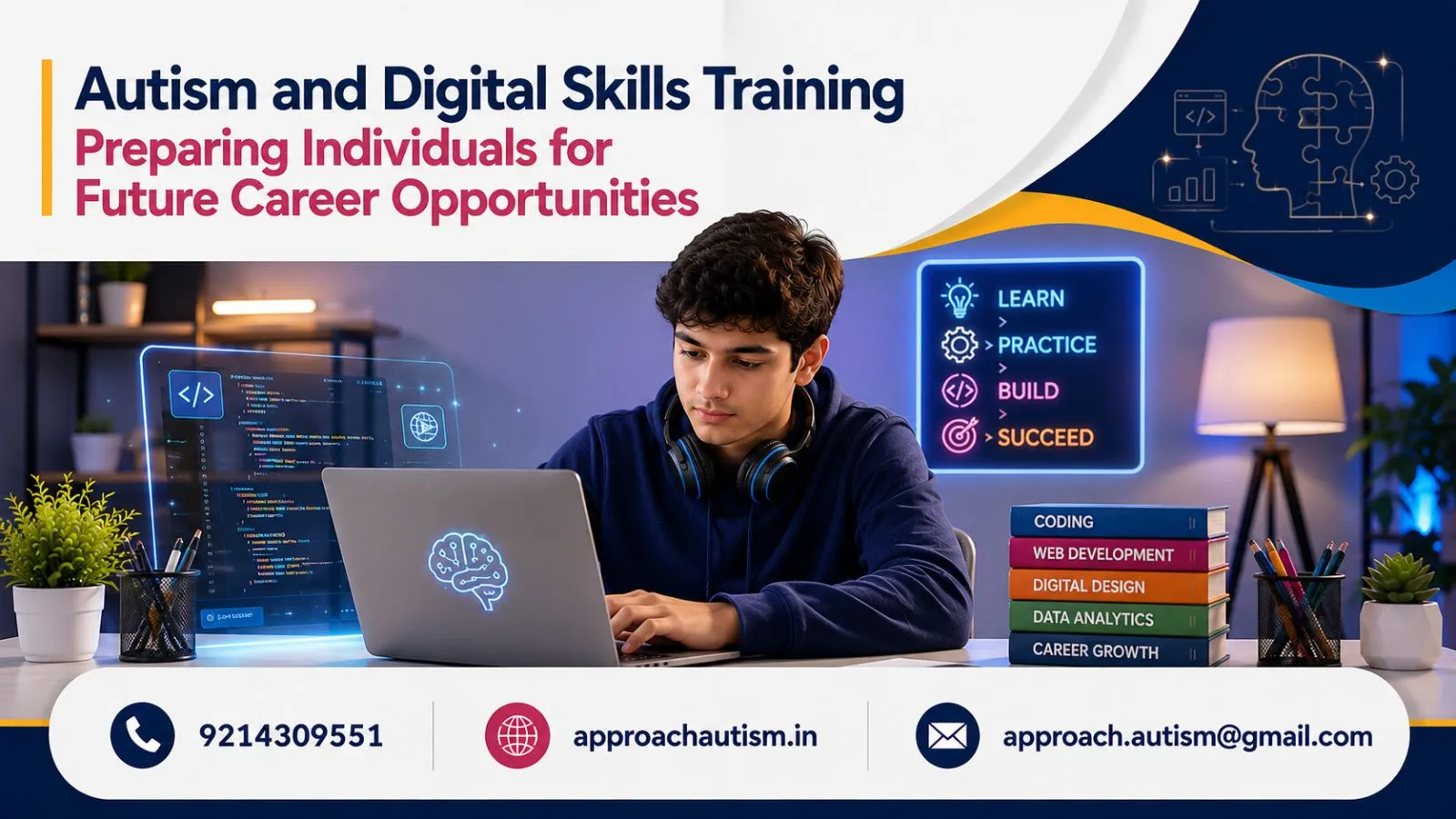
Technology plays an important role in education, communication, employment, and everyday life. For autistic individuals, learning digital skills can support greater independence, vocational development, and access to career opportunities that match their interests and abilities. Autism and digital skills training focuses on building practical technology skills through structured learning, hands-on activities, and individualized support.
Some learners may begin with basic computer use, typing, and email, while others may be interested in graphic design, digital marketing, video editing, data management, or software-related work. There is no single career pathway that suits everyone. Effective training recognizes individual strengths, communication preferences, sensory needs, and personal goals.
With accessible instruction and opportunities to practise real-world tasks, digital learning can help autistic individuals explore their interests, prepare for workplace responsibilities, and make informed choices about their futures.
Understanding Digital Skills Training for Autistic Individuals
Digital skills training involves learning how to use computers, software, online platforms, and digital tools safely and effectively. A structured programme can help learners progress from foundational skills to activities relevant to education, daily living, or employment.
What Is Digital Skills Training and Why Does It Matter?
Digital skills include the practical abilities needed to access information, communicate online, manage files, use applications, and complete technology-based tasks.
Depending on the learner’s current abilities, training may cover:
- Computer, keyboard, and mouse use.
- Typing and basic document creation.
- Internet browsing and online research.
- Email and digital communication.
- File management and spreadsheets.
- Password safety and online privacy.
- Creative software and job-specific applications.
These abilities can support everyday independence as well as workplace participation. For example, someone might use digital calendars to manage appointments, email to communicate with a trainer, or spreadsheets to organise information.
Training should start at an appropriate level and progress according to demonstrated understanding rather than a fixed timetable.
How Digital Learning Can Support Independence
Technology can help individuals manage tasks, access learning resources, organise information, and communicate with others. Visual reminders, digital calendars, checklists, and step-by-step instructions may be useful tools for some learners.
Digital learning can also provide opportunities to practise problem-solving and task completion. A learner might create a document, save it in the correct folder, locate it later, and make changes independently.
The aim is not to expect every person to complete every task without assistance. Appropriate support, assistive technology, and accessible instructions can help individuals work towards their own independence goals.
Why Structured and Personalised Teaching Matters
A predictable learning structure can make new digital tasks easier to understand. Trainers can demonstrate a process, divide it into manageable steps, provide visual instructions, and allow repeated practice.
For example, learning to create and save a document might involve opening the application, entering text, choosing a filename, selecting a folder, and saving the file. Each step can be practised before the complete task is introduced.
Some learners prefer written instructions, while others benefit from demonstrations, screenshots, hands-on practice, or verbal explanations. Training environments may also need adjustments for lighting, background noise, breaks, or communication preferences.
Benefits and Career Opportunities Through Digital Skills
Digital skills can provide a foundation for further learning and vocational preparation. The most suitable direction depends on the individual’s interests, existing abilities, qualifications, and preferred working environment.
Building Confidence and Workplace Readiness
Practising realistic tasks can help learners become familiar with common digital responsibilities before entering a workplace.
These tasks may include creating documents, organising digital folders, responding to emails, following instructions, using collaboration platforms, and keeping track of deadlines.
Confidence can grow through manageable challenges, useful feedback, and opportunities to repeat tasks. Trainers should provide the level of assistance a learner needs and adjust it as their skills develop.
Workplace readiness also includes knowing how to ask for clarification, communicate progress, request support, and identify when a task is unclear. These skills are valuable alongside technical ability.
Exploring Digital Marketing, Design, and Technology Roles
Depending on individual interests and training, possible areas to explore include:
- Digital marketing: Content scheduling, basic SEO tasks, online research, and simple performance reporting.
- Graphic design: Creating digital illustrations, social media graphics, or presentation materials.
- Video editing: Arranging clips, adding captions, adjusting audio, and exporting videos.
- Office and data support: Entering information, checking records, managing files, and preparing spreadsheets.
- Website support: Updating content, organising website assets, or completing basic website maintenance tasks.
These are examples, not guaranteed career outcomes. Each field involves different technical, communication, and organisational requirements. Career exploration should begin with activities the individual finds interesting and build towards relevant qualifications or practical experience.
Preparing for Remote Work, Freelancing, and Inclusive Employment
Remote work or freelancing may suit some individuals, depending on the role, working conditions, and personal preferences. These options can offer flexibility, but they also involve responsibilities such as communicating with clients, managing projects, meeting deadlines, and understanding payment arrangements.
A learner interested in freelance design, for example, might begin by completing practice projects, organising a portfolio, learning to respond to feedback, and understanding how to agree on project requirements.
Inclusive employment can also involve traditional workplaces that provide clear instructions, predictable workflows, accessible communication, and reasonable adjustments.
The goal is to identify opportunities that align with the individual’s interests and support needs, rather than assuming that every autistic person prefers remote work or a technology-based career.
Digital Training Programmes and Practical Learning Activities
An effective programme combines foundational digital literacy with opportunities to apply skills to meaningful tasks. Learners can progress towards specialised areas when they are ready and interested.
Basic Computer Skills and Digital Literacy
Foundational digital literacy is a useful starting point for learners who are new to computers or need to strengthen essential skills.
Training may cover operating a computer, typing, using a browser, creating documents, organising folders, managing email, and working with basic spreadsheets.
Online safety should be included from the beginning. Learners can practise creating strong passwords, recognising suspicious messages, protecting personal information, checking website reliability, and adjusting privacy settings.
Practical assignments make these skills easier to apply. For instance, a learner could create a document, save it in a named folder, attach it to an email, and send it to a trainer in a simulated work task.
Digital Marketing and Creative Technology Training
Learners interested in online communication or creative work may benefit from introductory projects in digital marketing, design, or video editing.
A digital marketing activity might involve researching a topic, creating a simple content calendar, preparing a social media graphic, or organising sample campaign information. Learners can explore individual tasks before deciding whether they want to study a wider marketing programme.
Creative technology projects could include editing a short video, designing a poster, creating a presentation, or preparing a simple digital illustration.
Project-based learning allows learners to practise technical skills while producing something they can review and improve. A portfolio of completed projects may eventually help demonstrate abilities to potential employers or training providers.
Building Skills Through Projects and Workplace Simulations
Practical projects connect learning with real-world responsibilities. Trainers can create simulated tasks that resemble activities a learner may encounter in education or employment.
Examples include preparing a formatted document, updating a spreadsheet, organising digital records, following a set of written instructions, or completing a short design brief.
Tasks should have clear instructions, understandable success criteria, and enough time for the learner to practise. Feedback should explain what worked well and what can be improved.
As skills develop, projects can introduce more complex tasks, collaborative activities, or realistic deadlines. Learners should also have opportunities to explain which tasks they enjoy and what adjustments help them perform comfortably.
Creating an Inclusive Pathway from Training to Employment
Digital training is most effective when it connects skill development with individual goals and meaningful opportunities. Families, trainers, vocational professionals, and employers can work together to make this pathway accessible.
Personalise Training Around Strengths and Support Needs
A training plan should consider current digital abilities, interests, preferred communication methods, sensory preferences, and longer-term goals.
One learner may benefit from visual instructions and repeated demonstrations. Another may prefer written task lists, independent practice, or more advanced technical challenges. Some learners may need additional time, assistive technology, or help managing transitions between activities.
Regular reviews can help identify which skills have improved, which tasks remain difficult, and what the learner wants to explore next.
Develop Portfolios and Prepare for Workplace Expectations
A portfolio can provide practical examples of a learner’s work. Depending on their chosen field, it might include designs, edited videos, sample documents, spreadsheets, or completed digital projects.
Employment preparation can also include practising professional communication, asking questions, managing tasks, receiving feedback, and understanding workplace procedures.
Career planning should include discussion of the environment in which the individual works best. Clear instructions, predictable schedules, quieter workspaces, written communication, or agreed check-ins may be helpful adjustments, depending on the person and role.
Build Long-Term Opportunities Through Collaboration
A practical pathway may progress from skill assessment to foundational learning, specialised training, portfolio development, vocational experience, and employment support. However, individuals may enter at different stages or need additional practice between them.
Families can share relevant observations about learning preferences, while trainers can identify developing skills and recommend suitable next steps. Employers can contribute by offering accessible recruitment processes, clear expectations, and appropriate workplace adjustments.
Families looking for autism-related resources and guidance can explore Approach Autism Society Jaipur to learn more about available support options.
Ultimately, success should not be measured only by whether someone secures a job or works without assistance. Meaningful progress can also include developing a new skill, gaining confidence, completing a project, exploring career interests, or making informed choices about future training.
Digital skills training can provide autistic individuals with valuable tools for learning, communication, daily independence, and career exploration. With personalised instruction, practical projects, accessible learning environments, and inclusive employment support, individuals can develop skills that reflect their strengths and aspirations. The most effective approach creates opportunities for growth while respecting each person’s choices, abilities, and preferred way of working.